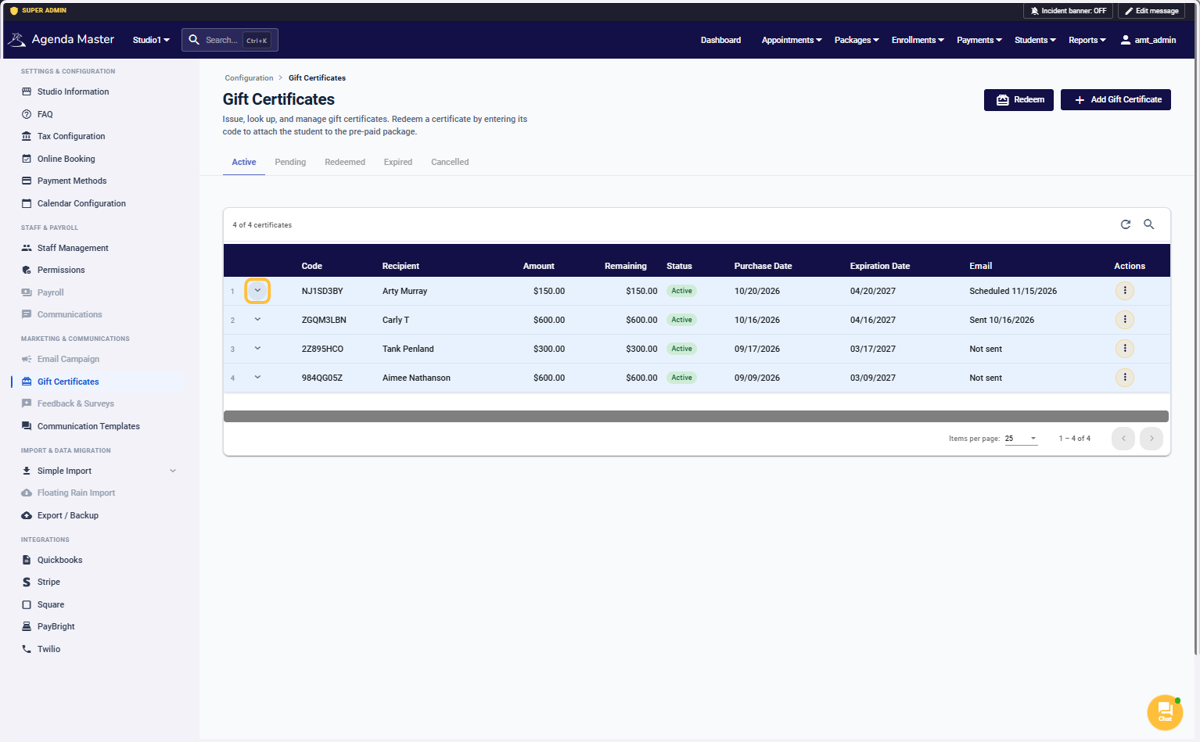
Click on the Arrow to see details #
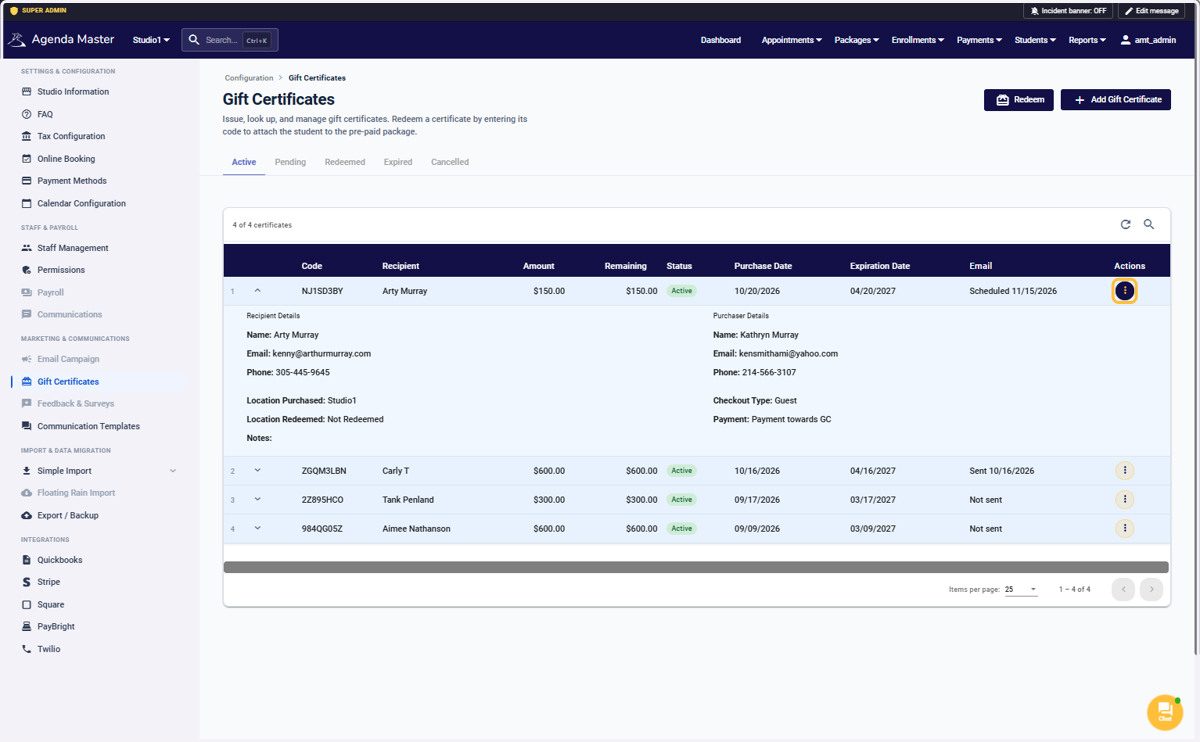
Click on the Yellow Action button #
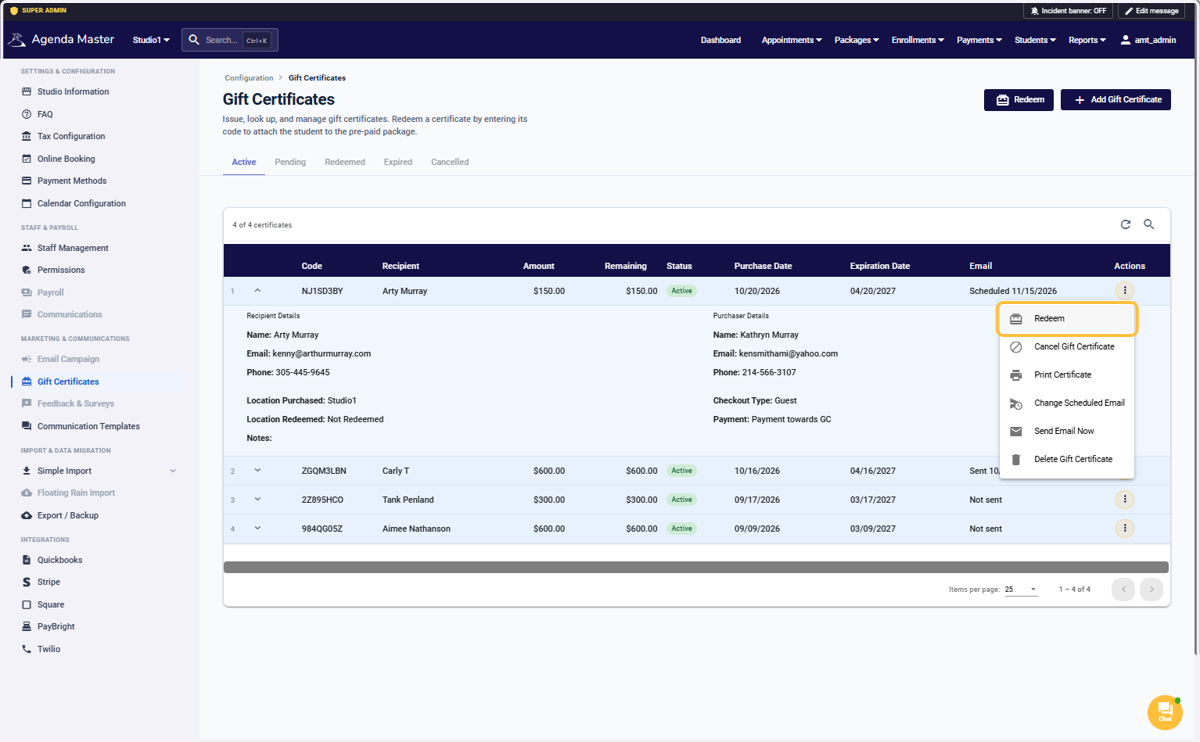
Choose Redeem #
Select an option #
You can add the certificate to an existing clients account, or create a new student account
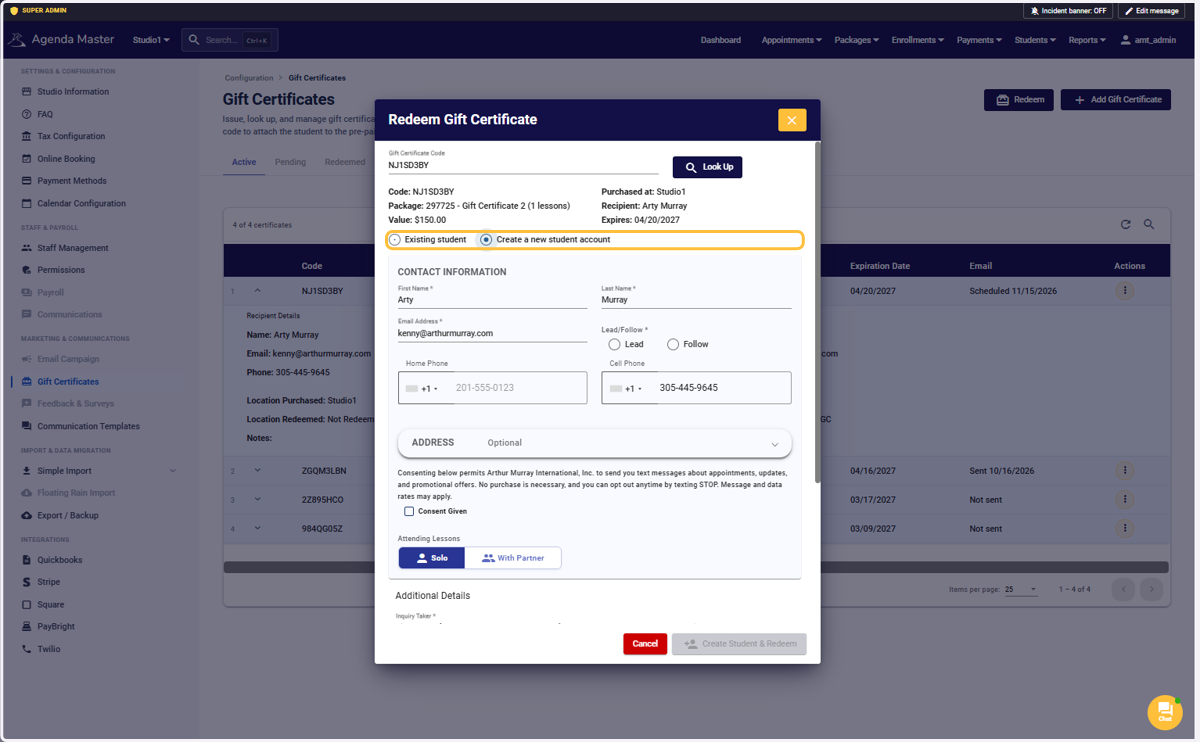
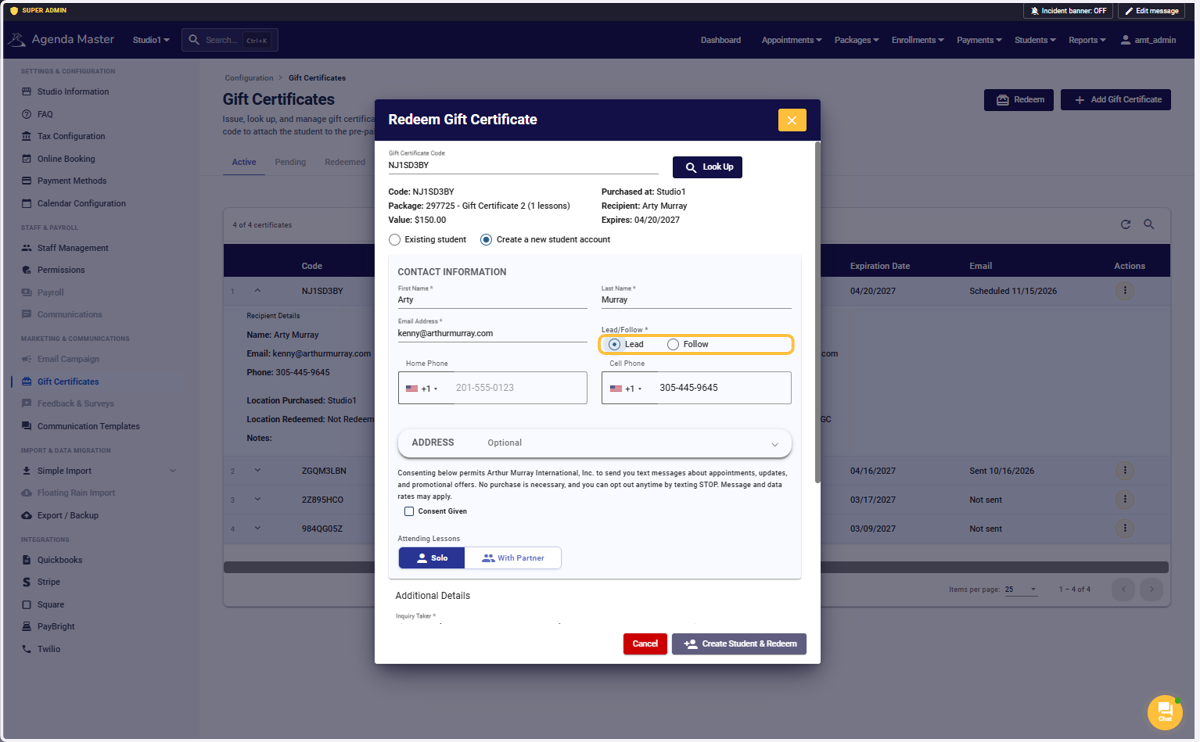
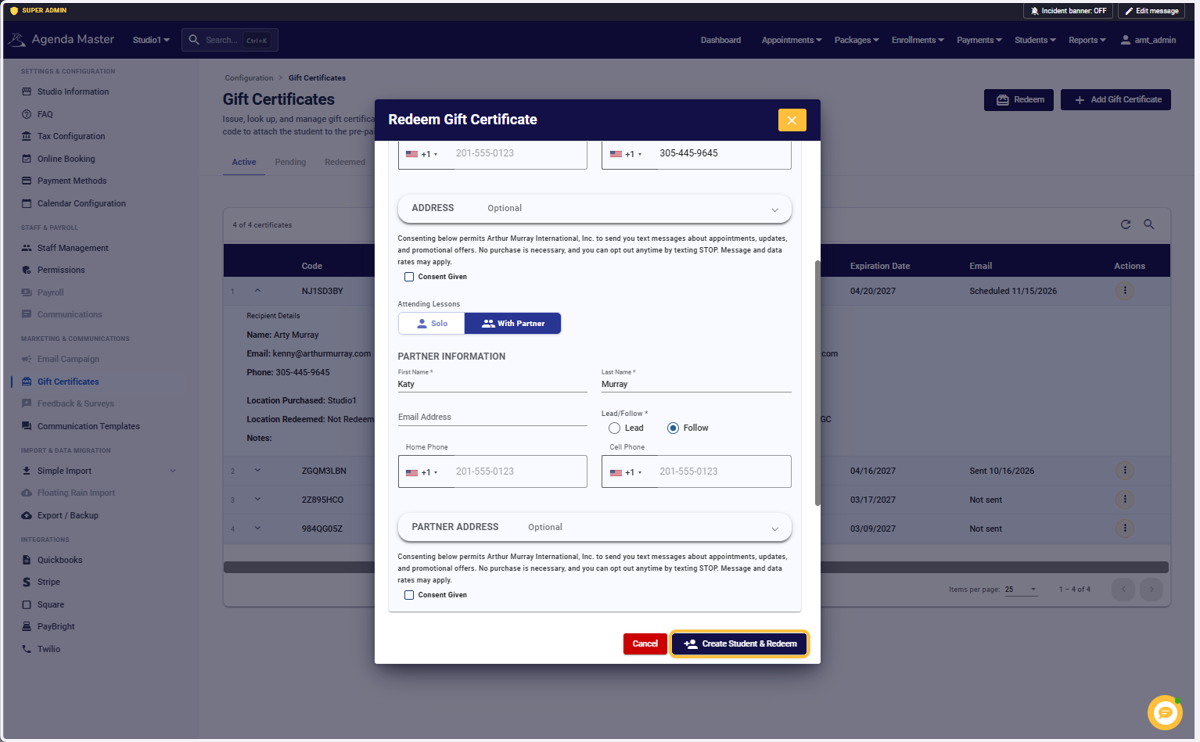
Just like Add Inquiry, we still have required info to collect. If we didn’t get their email/phone at purchase, get it now. Choose Lead or Follow and correct name if needed. #
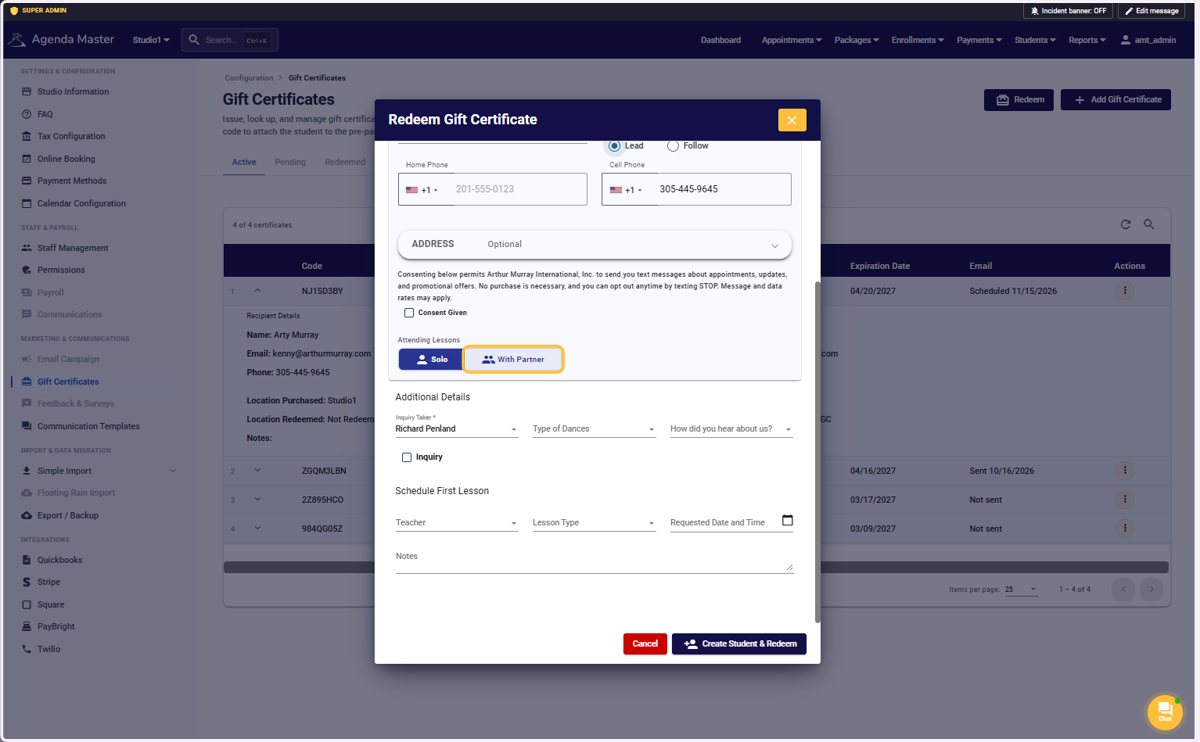
Click on Solo or With Partner #
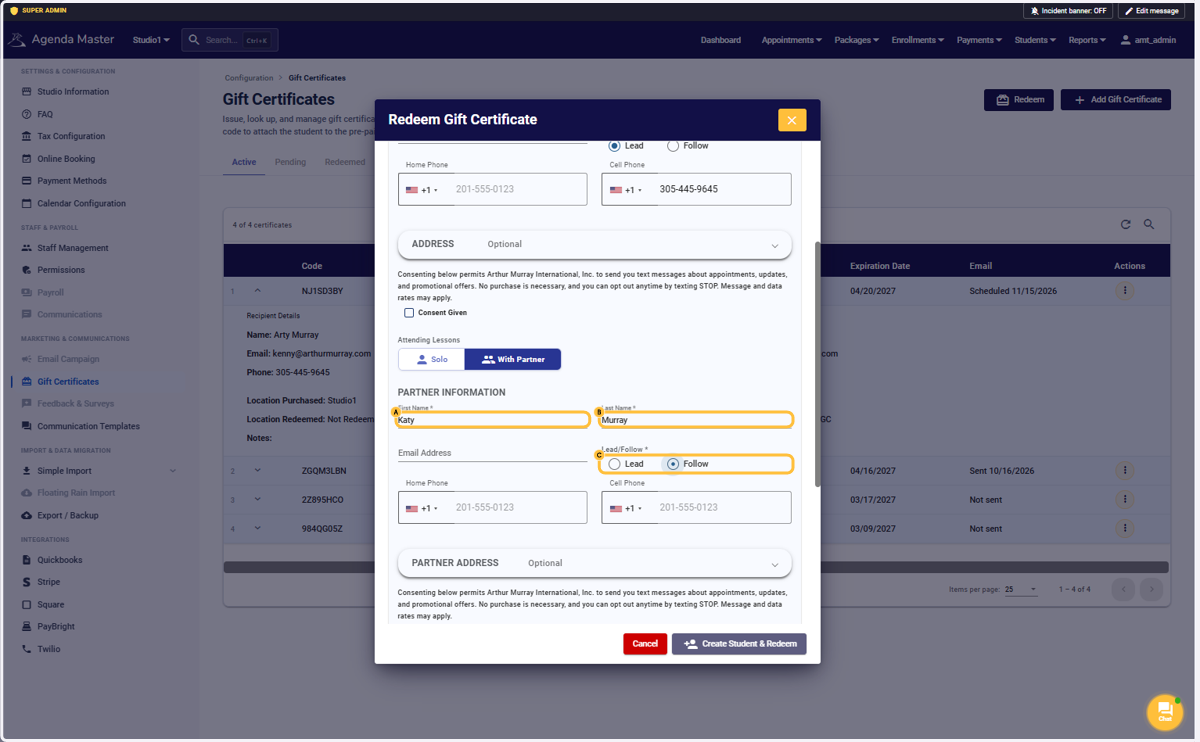
A. Type First Name #
B. Type Last Name #
C. Select an option #
Enter Partner info if applicable
Click on Create Student & Redeem #
Stopping here will Create their account and put the Enrollment in place. If they are booking later, you’ll find them on the Inquiry Data report and can book them there.
If they are booking their first lesson now, you can continue to scroll down and complete the booking process. Its exactly like the “Add inquiry” process.
Click on Search if you want to verify their Account or change any info #
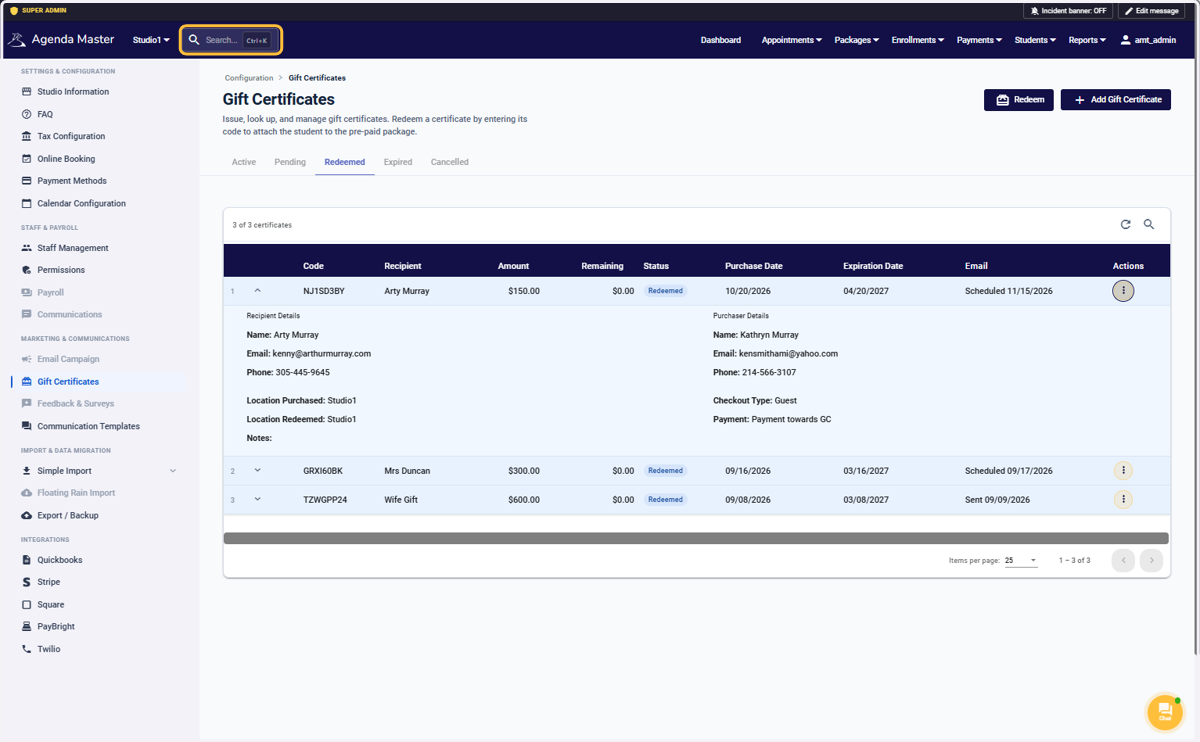
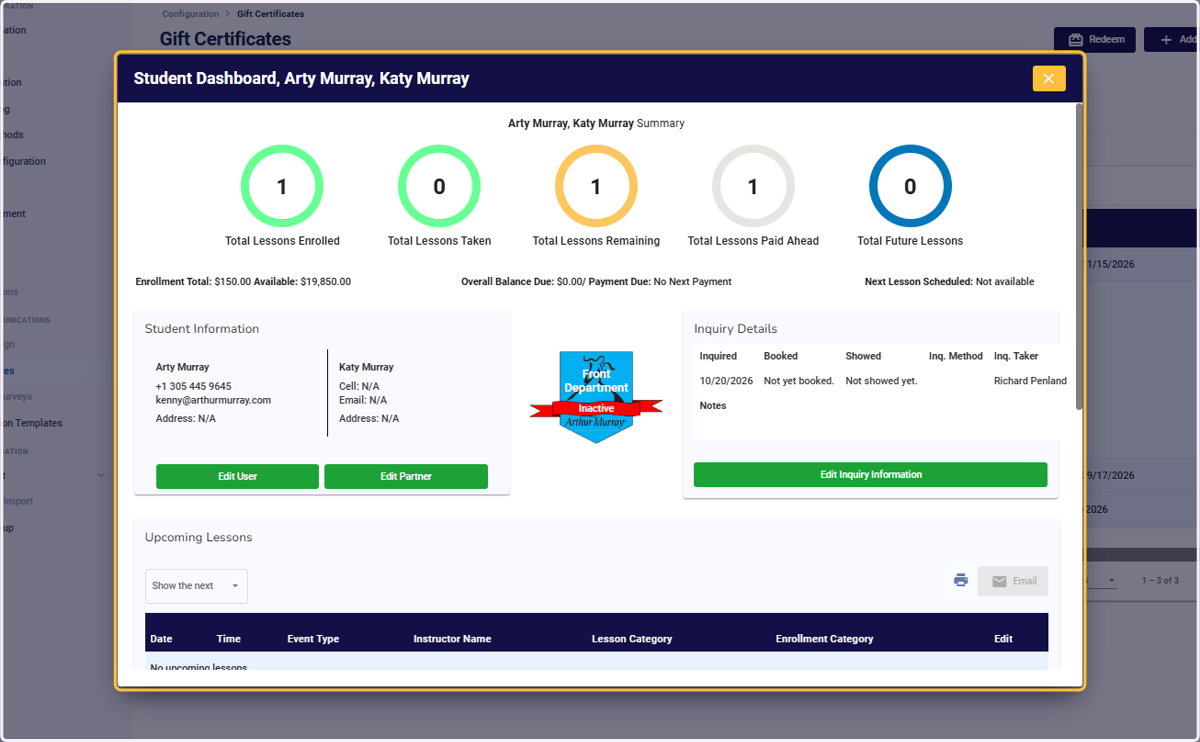
View the masterpiece! #