Miscellaneous Events are Studio Function, outside of regular lessons. Guest Parties, Medal Ball, Showcase, DOR, Trips/Cruises, Night on the Town, Destination Unknown, etc
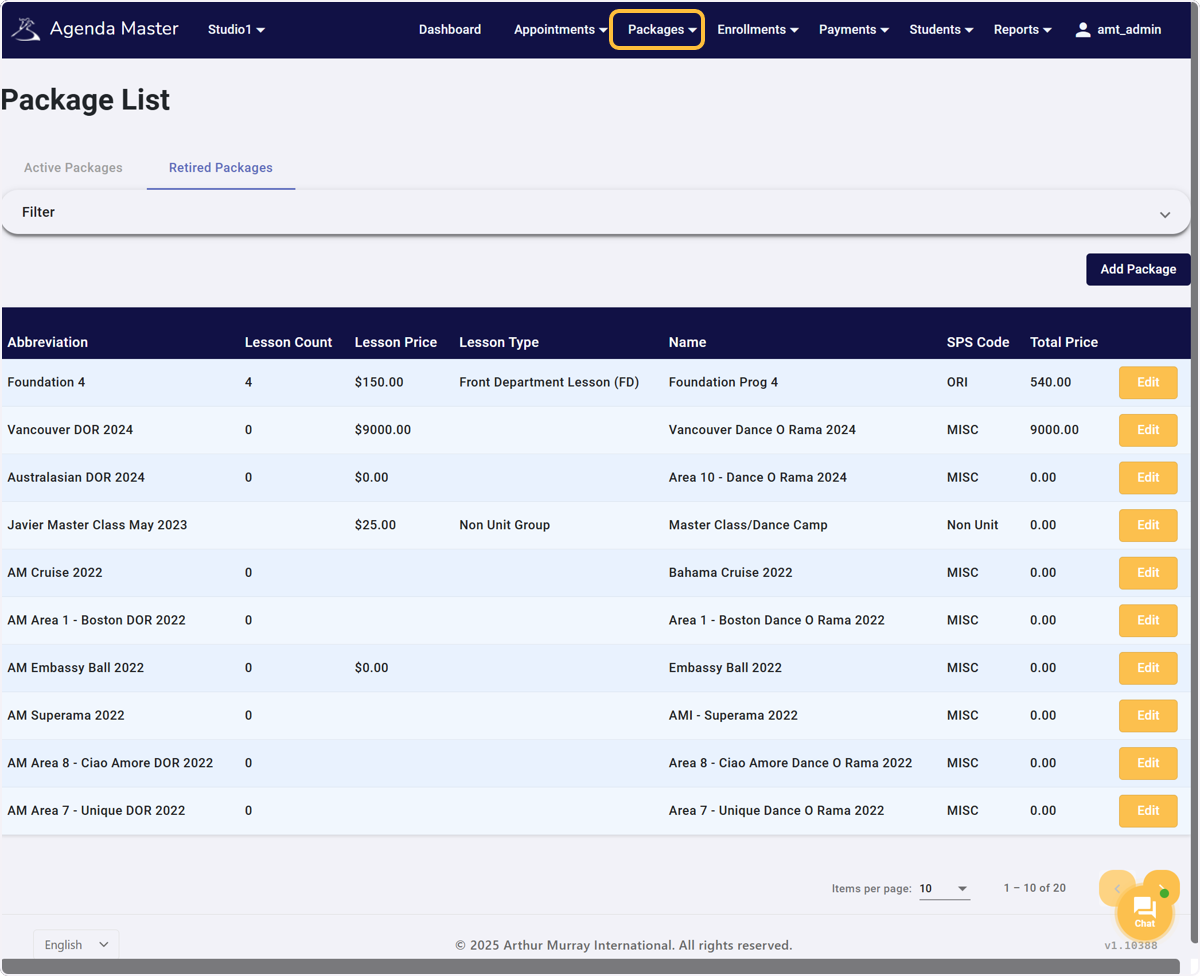
Click on Packages… #
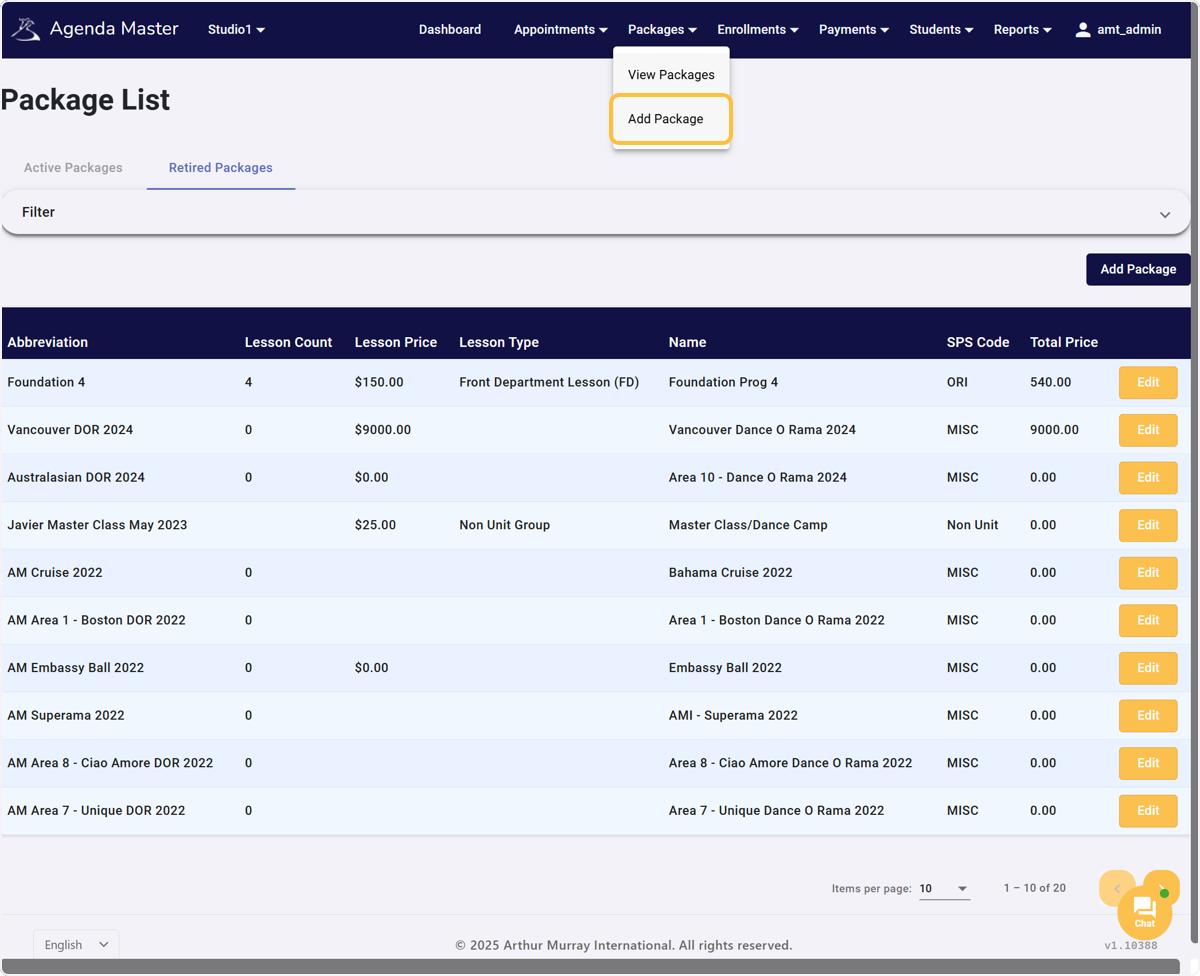
Click on Add Package #
Type the Name of the Miscellaneous Event #
Miscellaneous Events are Studio Function, outside of regular lessons. Guest Parties, Medal Ball, Showcase, DOR, Trips/Cruises, Night on the Town, Destination Unknown, etc
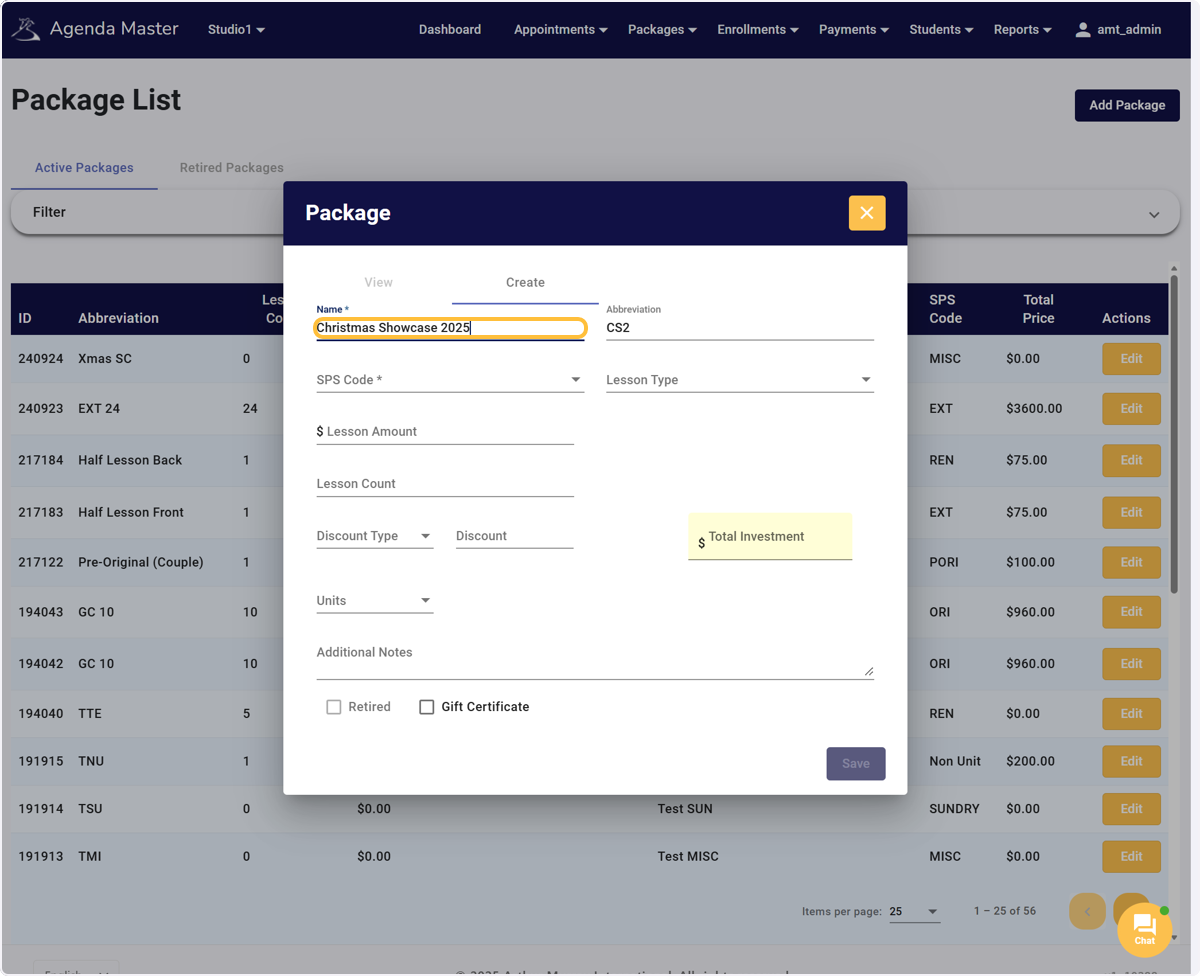
Adjust/Accept the Abbreviation. #
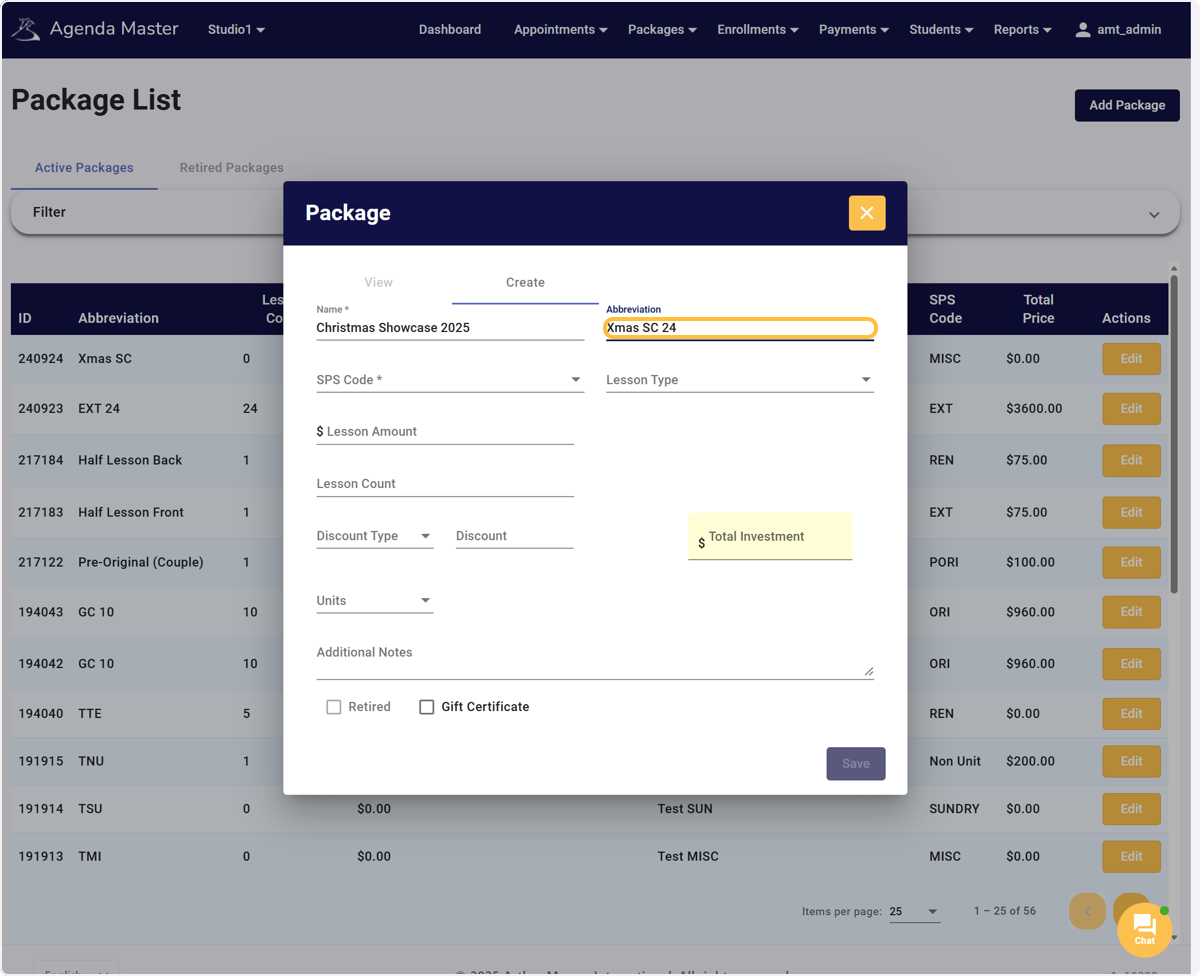
Click on SPS Code #
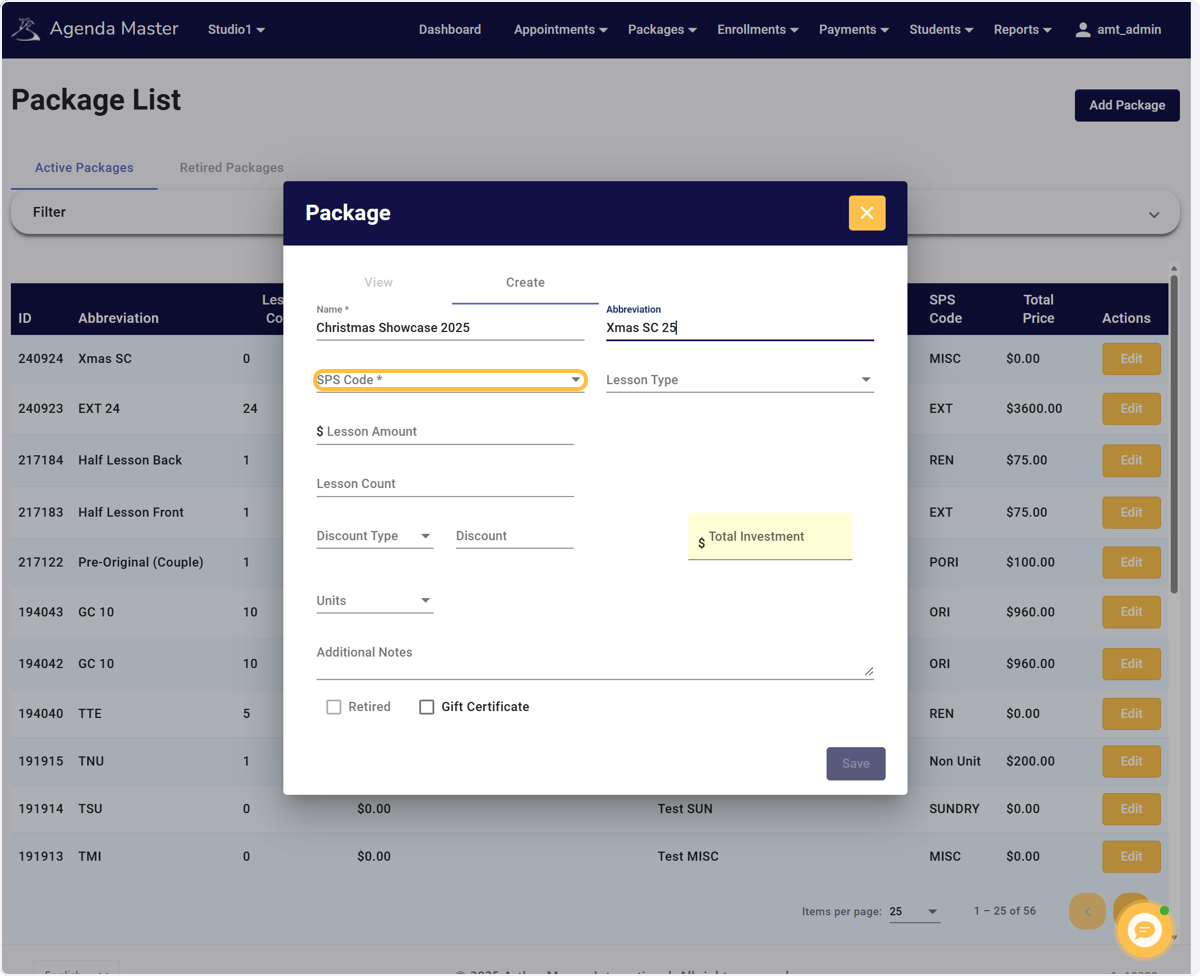
Choose MISC from the Dropdown #
The SPS Code tells Online Reporting where to credit the sale of this package
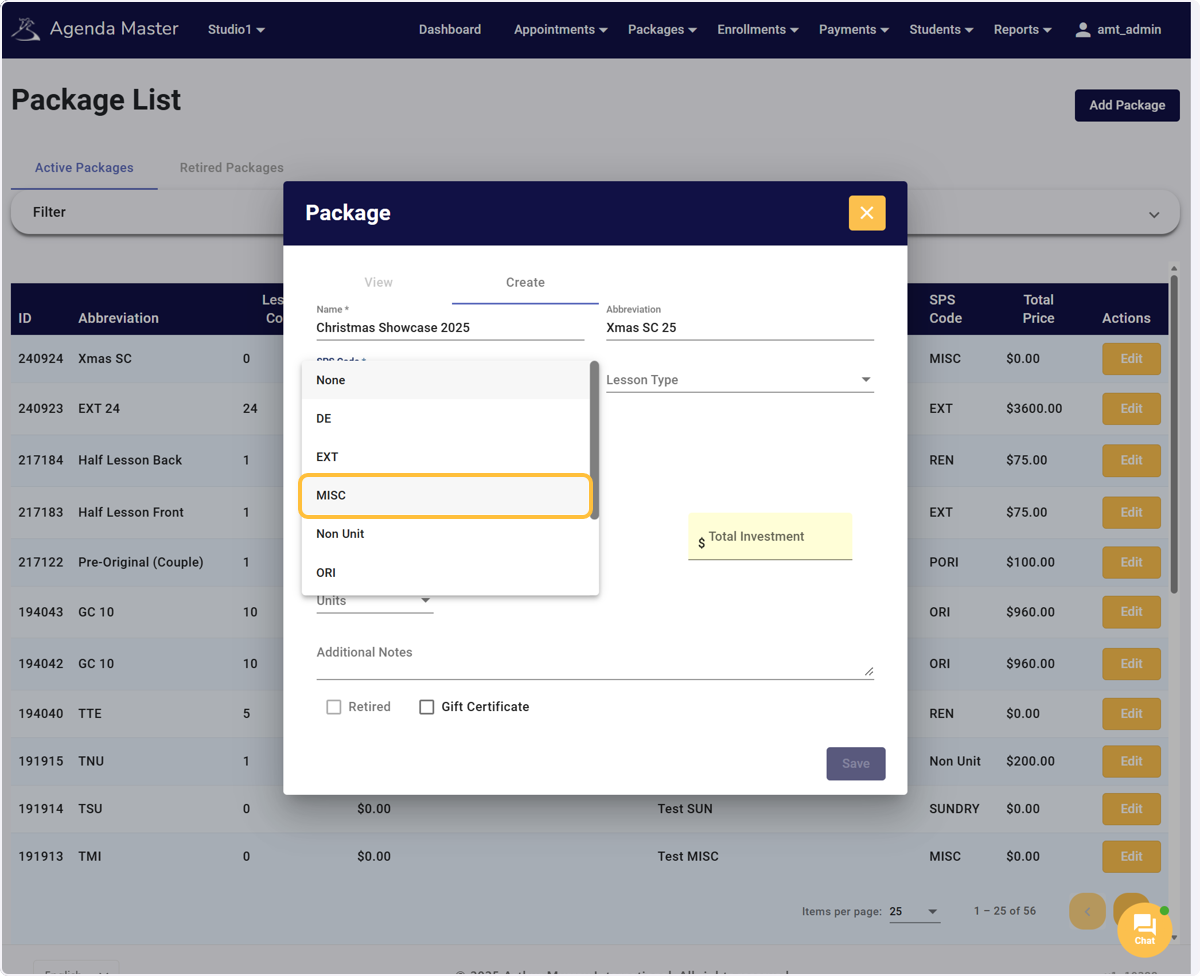
Click on Package Code #
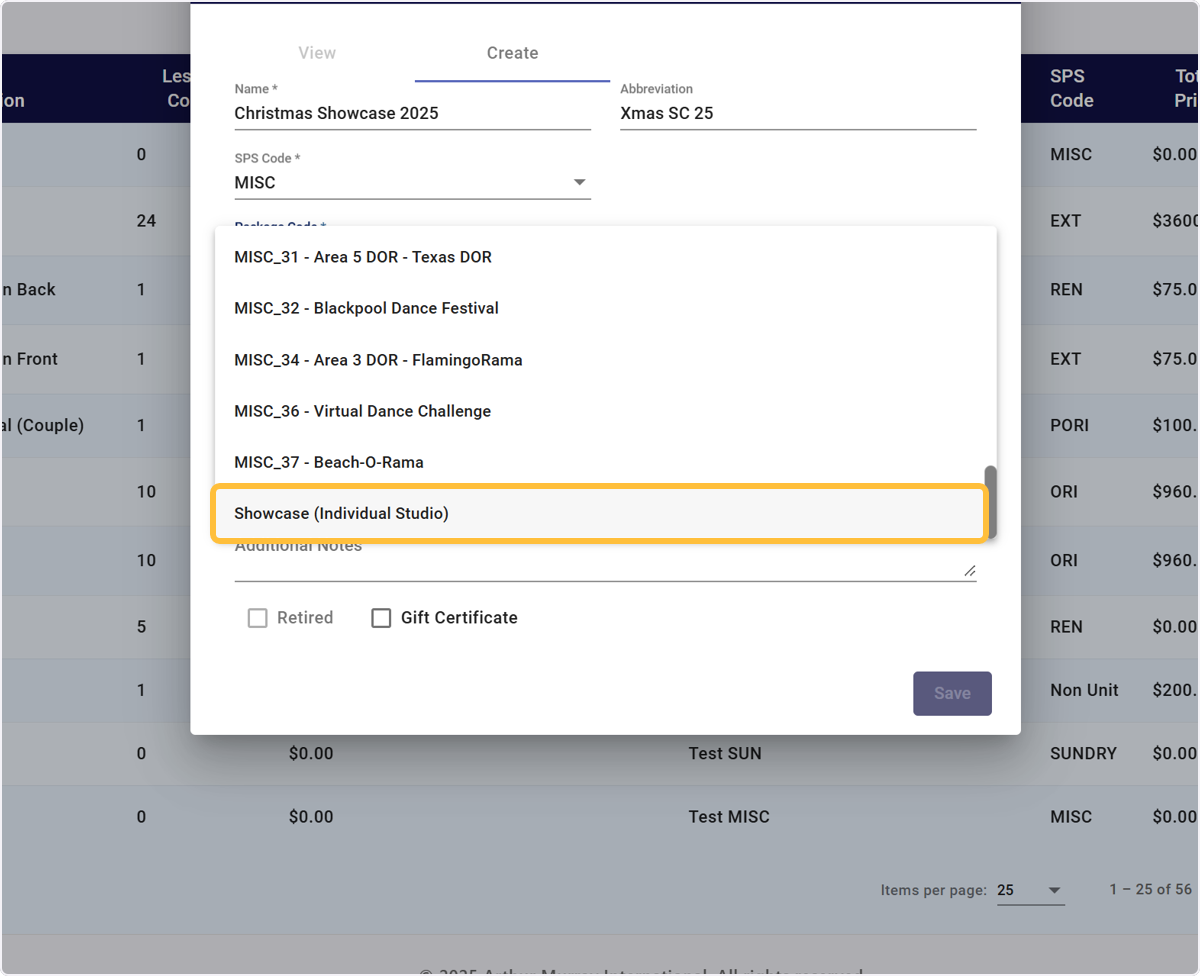
Scroll to find the specific Event Code that you’re planning. #
This will help you track the Misc Sales and will help auto create the Misc Service Reports for Dance-O-Rama’s
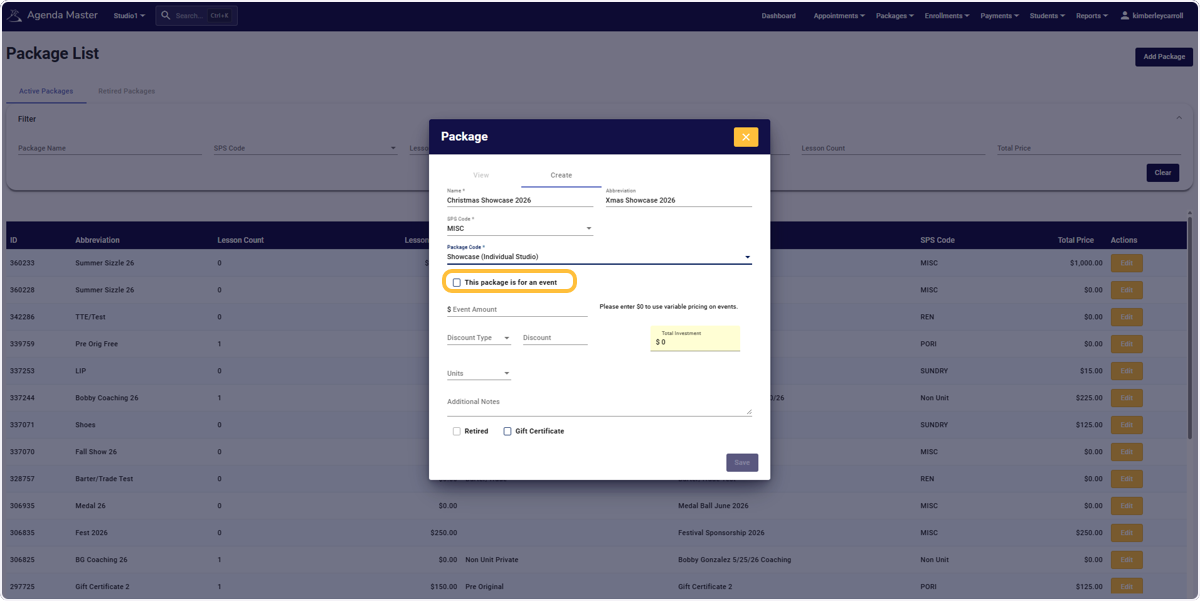
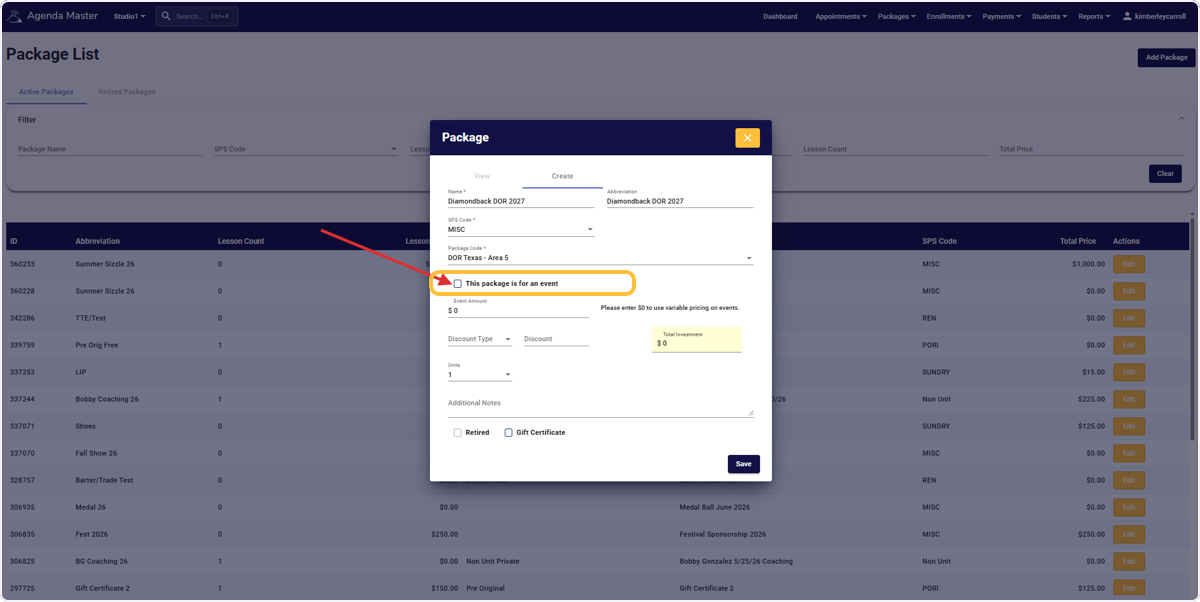
SKIP THE CHECKBOX – If the event is NOT a Dance O Rama #
DOR Packages will be automatically added by Agenda Master to include the event dates and proper SPS codes. See steps 13-16 for New Event actions.
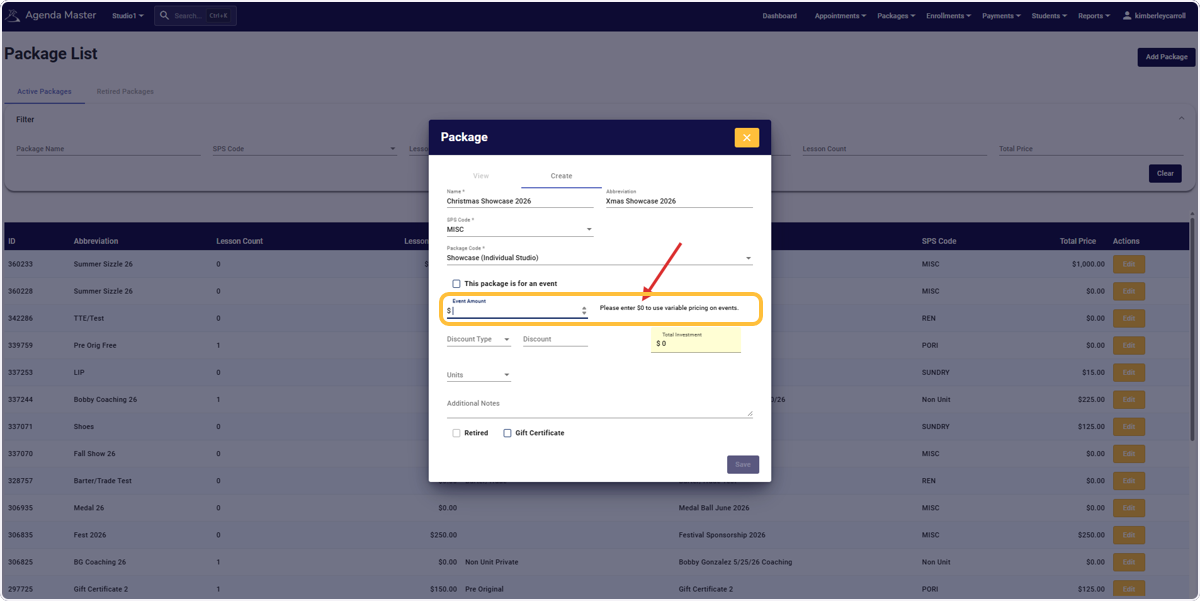
Put in the Event Price #
You can put in One Overall Package Price or Use the Variable Pricing option but entering $0. This will allow you to personalize their Showcase package.
Example: If your package price is $250 PLUS $50 per freestyle. Not every students final price will be $250.
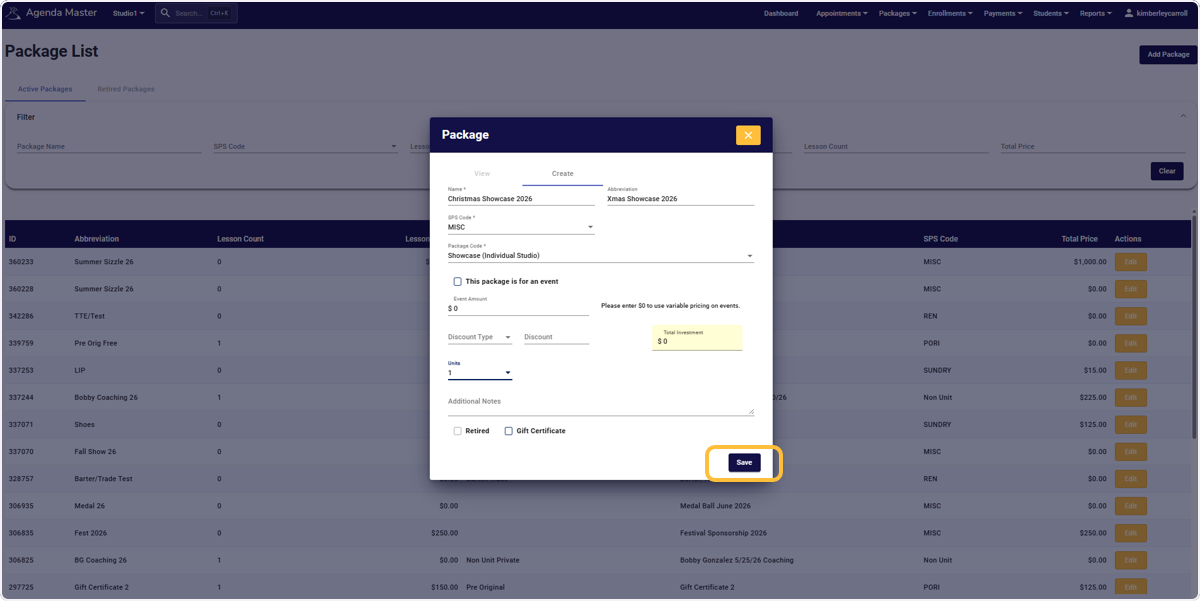
Double-check your package and click Save #
The package will show up on your list for use #
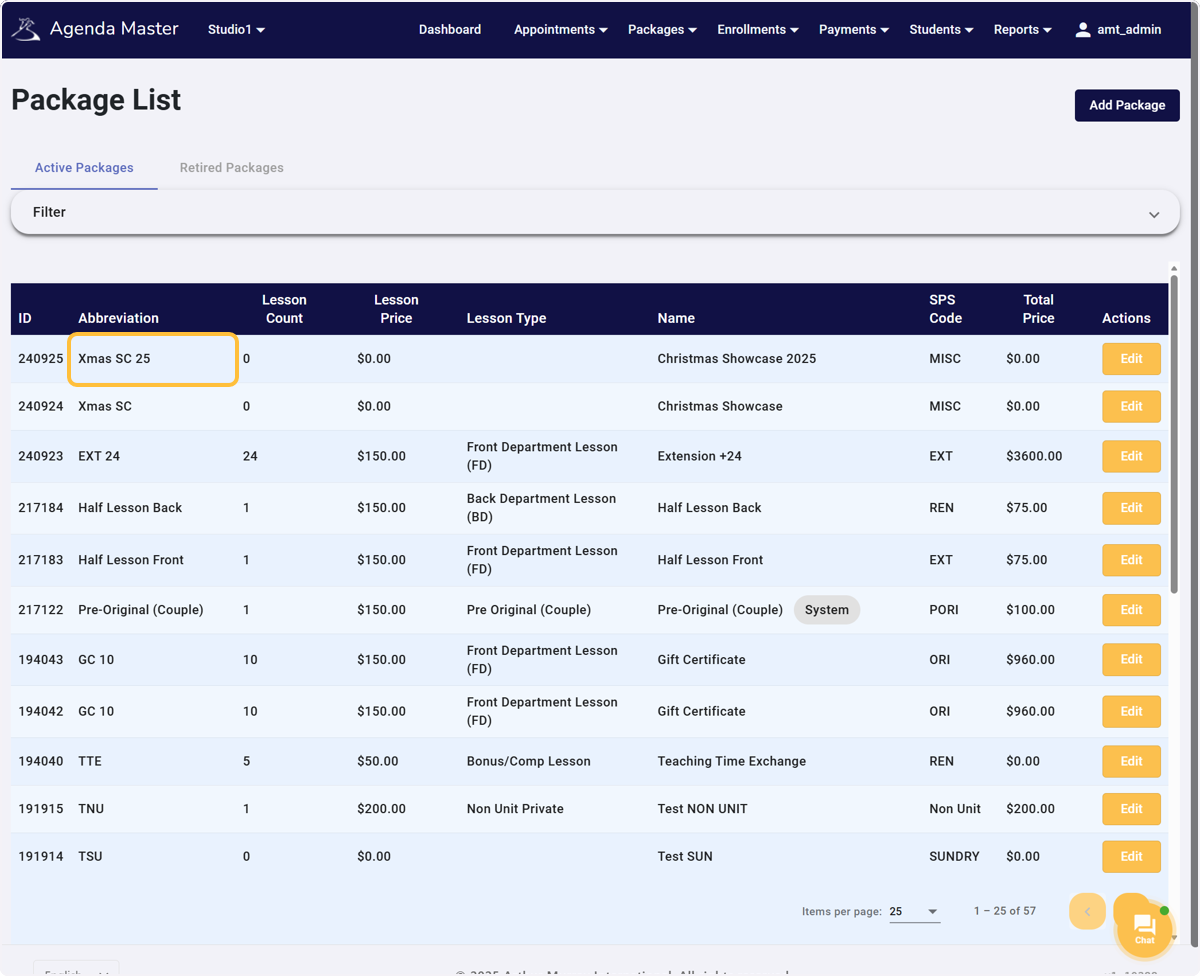
NEW EVENT BUTTON – FOR DANCE O RAMA ONLY #
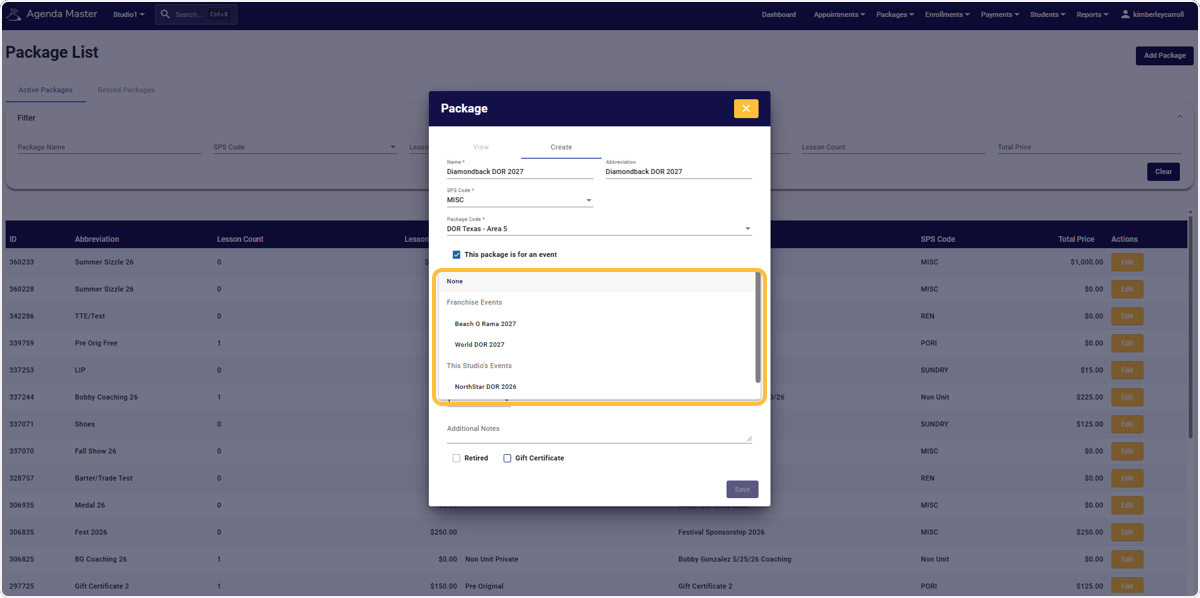
Open the Event Dropdown #
Choose the correct Area DOR to make your Miscellaneous Service Reports Simple!
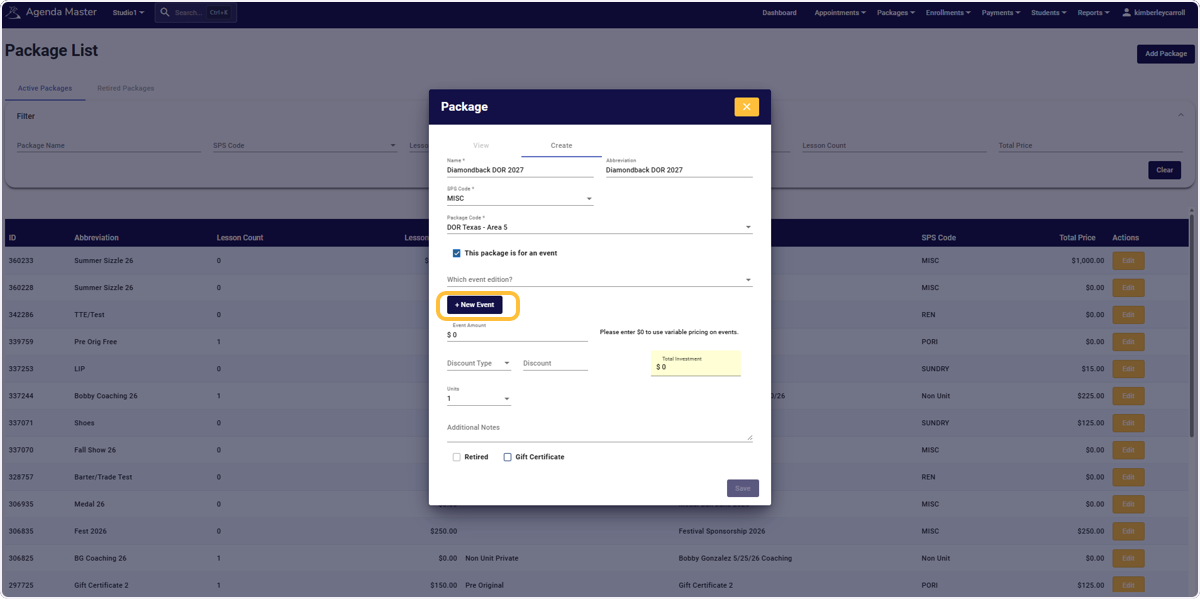
If you DON’T see the correct Area DOR, it can be added in the +New Event Button.
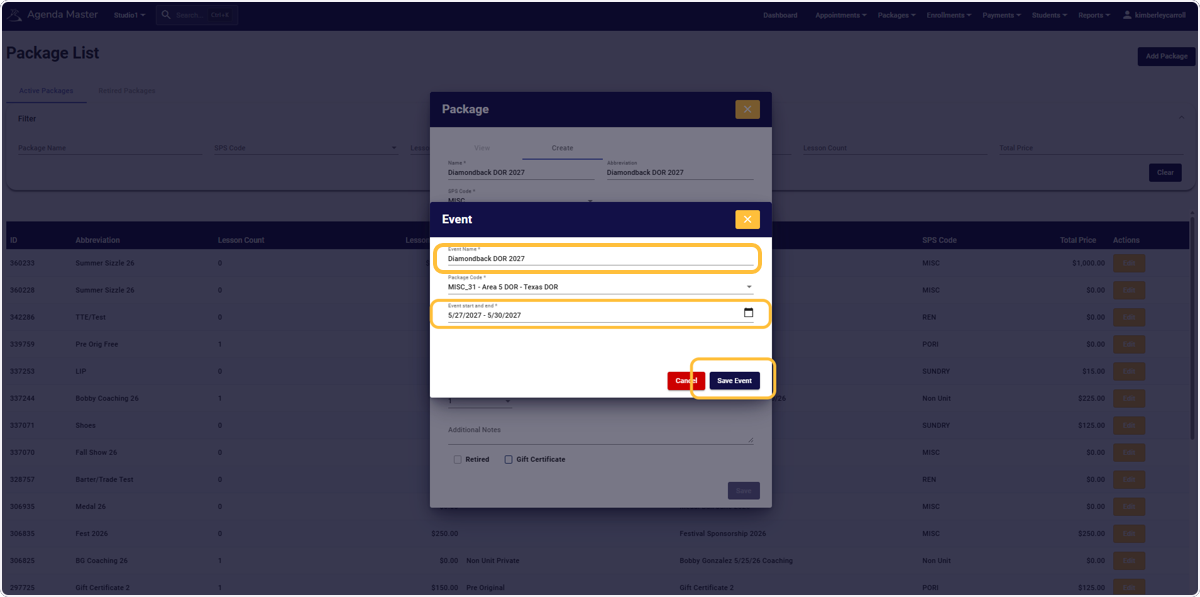
Click +New Event (Only if needed) #
Fill the DOR Name and Event Dates (Only If Needed) – Then SAVE EVENT #